 Dansday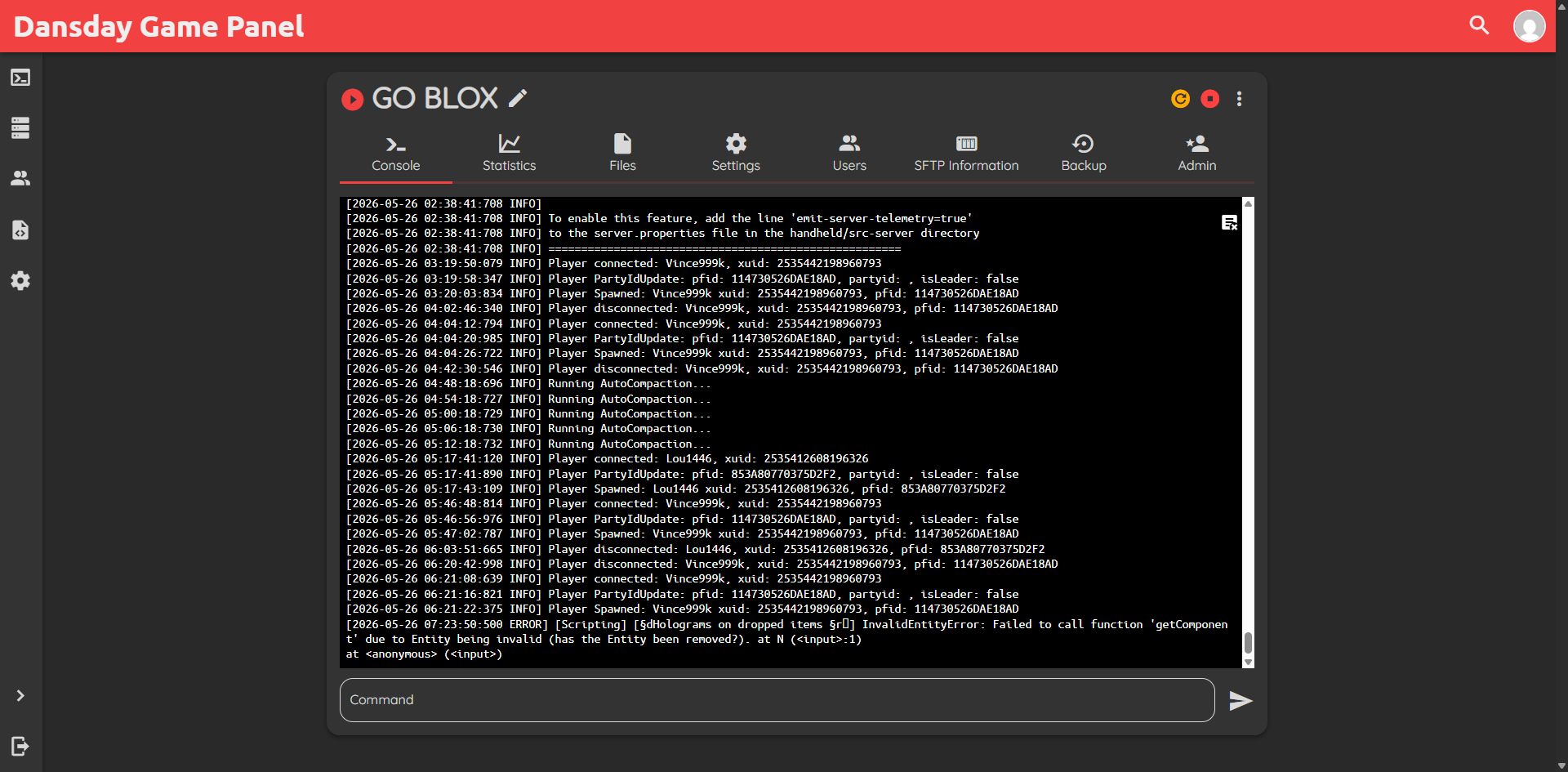
I originally set out with GO BLOX intending to focus entirely on Roblox. It made sense at the time because that was where my focus was directed. But things took an unexpected turn when I met Haru and we ended up playing Minecraft together instead. Since we wanted our own persistent world to build in, I had to pivot quickly and spin up a dedicated server for us.
I chose to go with a t3 small instance on AWS for our Minecraft Bedrock server. If this were Java Edition, a t3 small with its two gigabytes of RAM would struggle under the heavy footprint of the Java Virtual Machine. But Bedrock is built on C plus plus. It is highly efficient and relies heavily on strong single core CPU performance rather than eating up massive amounts of memory. This architectural difference meant I could save money by running a smaller instance without sacrificing gameplay smoothness for Haru and me.
To keep the server easy to manage, I installed Pufferpanel. I did not want to constantly SSH into the server just to check logs, restart the game, or upload world templates. Pufferpanel gives me a clean web interface to handle all of that. It is lightweight, straightforward, and gets out of the way.
Here is how I structured the setup to keep things efficient and easy to maintain.
- Choosing the right instance size
I went with the t3 small because Minecraft Bedrock handles resource allocation beautifully compared to Java. Bedrock runs on a single core with high CPU performance, meaning we do not need to pay for excessive RAM. The two gigabytes on a t3 small is plenty for a small group of players. - Setting up Pufferpanel for administration
Using a web based panel is much better than managing raw terminal sessions. Pufferpanel runs as a lightweight daemon and lets me monitor CPU usage, manage game files, and restart the server directly from my mobile browser if Haru or I need a quick reset while away from my desk. - Handling network traffic and ports
Unlike Java Edition which defaults to TCP port 25565, Bedrock uses UDP port 19132. I configured the AWS security group to allow UDP traffic specifically on this port, keeping the server secure while ensuring a low latency connection for our sessions.
This setup has been running beautifully. By understanding the performance profile of Bedrock and pairing it with a lightweight manager like Pufferpanel, I built a responsive gaming environment without paying for unnecessary resources. It is a great example of choosing the right tool and instance size for the specific workload at hand.