 Dansday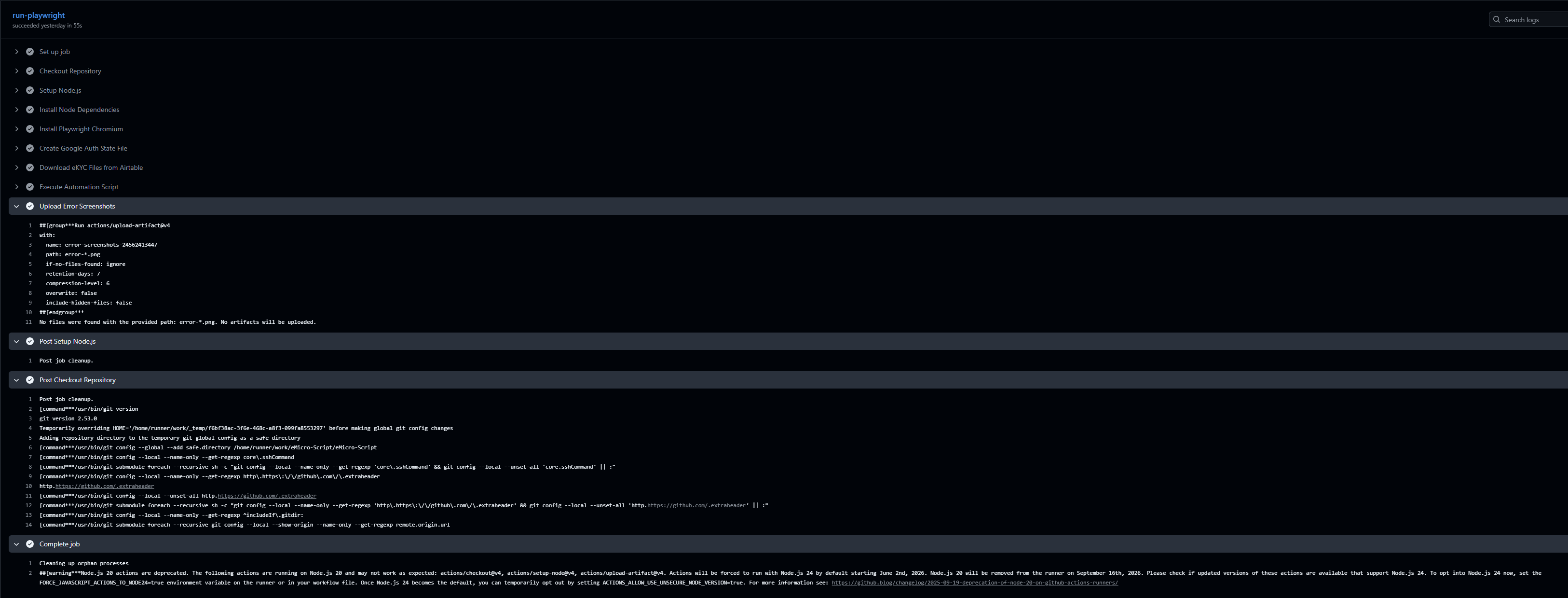
Sometimes the most impactful engineering work isn't building a massive new service, but just killing a really annoying operational bottleneck. Recently, I stepped in to help another team here at 3cat that was drowning in manual data entry. They were processing installment applications, which meant pulling customer data and documents from our internal systems and manually feeding them into a specific Google Form.
Doing this by hand is soul-crushing work. Every application required someone to copy-paste details, upload identity cards, and attach supporting documents. It was slow, prone to human error, and completely unscalable. I knew we could automate it, but Google Forms, especially ones requiring authenticated file uploads, are notoriously hostile to simple API scripts. You can not just send a payload and call it a day. You have to actually drive the browser.
I decided to build a headless automation pipeline using Playwright. The architecture is straightforward but highly effective. Whenever a new customer is ready, an Airtable webhook fires off the data. Instead of standing up a dedicated server to listen for this, I wired the entire script to run directly inside GitHub Actions. It is ridiculously cheap to operate and requires zero infrastructure maintenance.
The real challenge was getting Playwright to reliably interact with Google's UI without getting blocked. Here is how I solved the main hurdles:
- Bypassing Google Session Login
Google's login flow is actively hostile to automated browsers. Instead of trying to type in credentials and risk getting blocked on every run, I authenticated manually once and saved the Chrome session data. Now, when the GitHub Action spins up Playwright, it injects that saved session. As far as Google is concerned, it is just an existing, authenticated user returning to the form. - Navigating Iframes and File Uploads
Google Forms handles file uploads by embedding complex iframes that connect to Google Drive. A standard script will fail here because the input fields are not in the main document. I had to configure Playwright to explicitly wait for and target these specific iframes. Once inside the iframe context, the script pulls the required documents and injects them directly into the upload targets, completely bypassing the manual selection modal.
The results speak for themselves. What used to be a tedious manual grind has been reduced to an invisible background task. We brought the processing time down to under 30 seconds per customer. The team no longer wastes hours on copy-pasting, the operational bottleneck is completely gone, and the whole system runs flawlessly on GitHub Actions.