 Dansday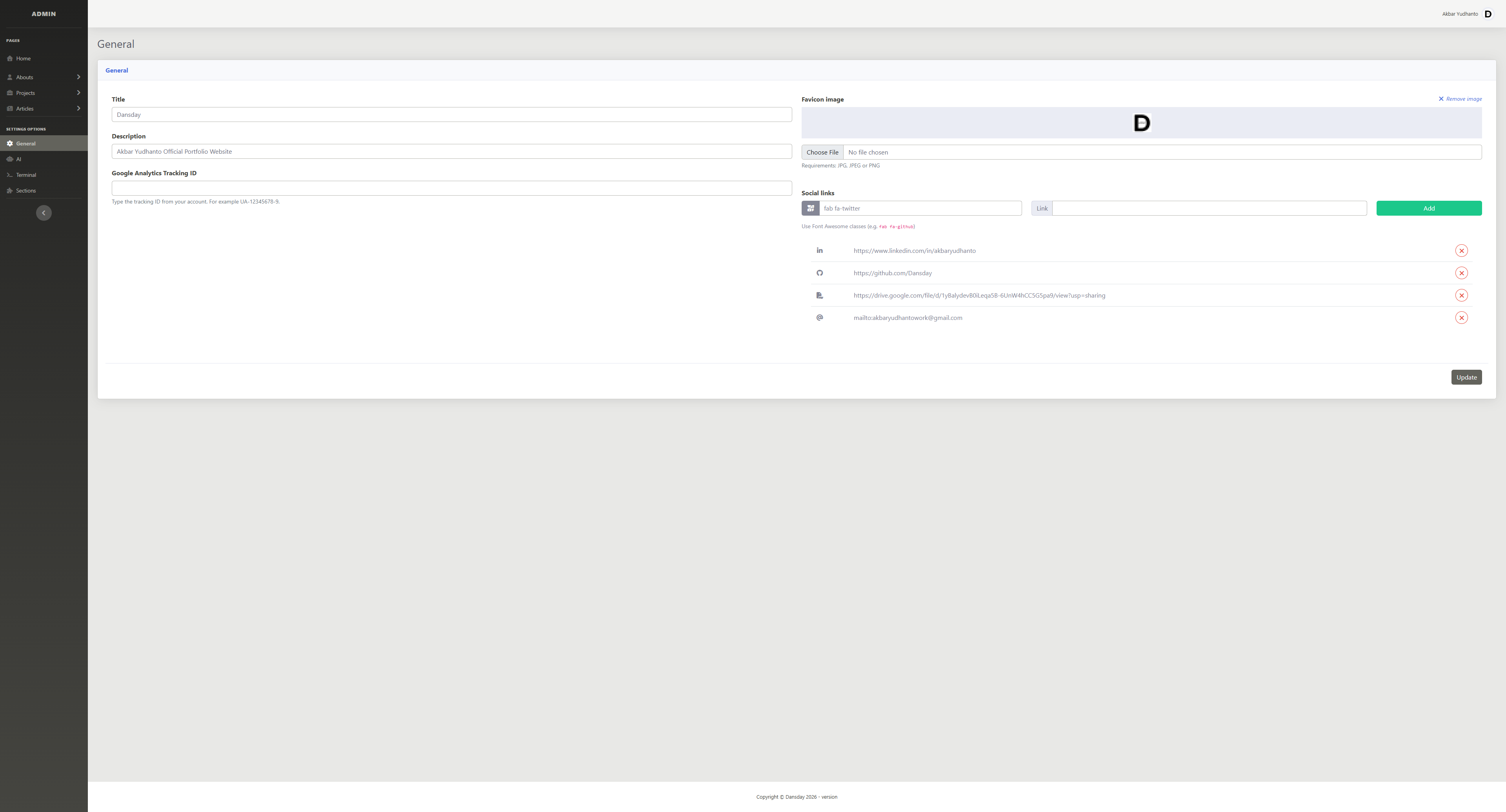
I built the admin panel for dansday.com to serve as the centralized command center for my portfolio using Laravel 12. I wanted a way to dynamically manage all my content, site settings, and language model integrations without having to edit code for every minor update.
The dashboard is designed to give me granular control over what visitors see. I can easily toggle sections on or off depending on what I want to highlight at any given time. Here is a breakdown of what I implemented within the panel:
- Content Management
I built dedicated modules to handle my about section, which includes managing my skills, professional experiences, client testimonials, and offered services. I also included a full project management suite with category tagging, alongside an article management system for my writing. - Site Configuration and SEO
To keep the site optimized, I added a general settings area where I can update global configurations. This allows me to easily modify the site favicon, meta titles, and other SEO related metadata on the fly. - Section Toggling
I implemented a feature to enable or disable individual sections of the main site. This gives me the flexibility to hide certain parts of the site when they are under maintenance or currently irrelevant. - Model Configurations
I built a dedicated section to control the advanced reasoning features of the platform. Here, I can securely manage my API keys, select the specific reasoning model I want the site to use, and tweak the underlying system instructions that drive the behavior.
This admin dashboard fundamentally changed how I interact with my own site, turning it into a dynamic platform tailored exactly to my needs.